BlogWeb Design
Should You Use AI to Build Your Business Website? A Web Designer's Honest Answer
Rustam11 min read
Yes, AI can build you a website, and sometimes it's the right tool. If you need a personal page, a placeholder while you register the company, or a cheap way to find out whether anyone wants your idea, use an AI builder and keep your money. If the site has to bring in customers and show up on Google for years to come, I'd hire a professional, ideally one who also uses AI to work faster.
The builder gives you a reasonable first draft in minutes. Most of what makes a business website earn its keep happens after that draft.
I design, build and maintain websites for small businesses in Malaysia, the UK, Europe and elsewhere, and I use AI tools most weeks, so I won't pretend these builders are useless. Here's where they help and where they quietly cost you.
What AI website builders genuinely do well
The big platforms all do this now. Wix, Squarespace, WordPress and Webflow will each take a description of your business and generate pages, layout, copy and images. Wix says you can start building with AI for free and only need a paid plan to connect your own domain or take payments. On WordPress.com the AI website builder is available on paid plans and takes a few minutes to produce a site.
Speed is the obvious win. On hosted platforms, hosting, SSL and software updates are handled for you, and the upfront cost is low.
The platforms themselves aren't the weak point, either. In WebAIM's 2026 study of the top million home pages, Wix and Squarespace home pages averaged about 33 detected accessibility errors, against an average of 56.1 across all pages. That suggests a decent foundation. The problems I see come from what gets built on top of it, and from everything the generator never asks you about.
So for a side project, an event page or a test, a builder is a sensible choice. I'd tell a friend the same.
Where building your own site with AI falls short for a business

It looks like your competitors' sites
AI builders work from patterns. Describe a dental clinic and you get the dental clinic pattern: smiling stock photo, three service cards, a testimonials slider. Your competitor typed something similar last month. It looks finished, which is the trap. Looking finished and looking like you are different things, and only the second makes people remember your name.
A designer starts from your brand, your customers and what makes you different, then decides what the site should look like. That order matters.
The copy sounds right and says very little
Generated copy is fluent and generic. "We're passionate about delivering quality solutions tailored to your needs." Nobody has ever picked a supplier because of that sentence.
It can also be confidently wrong. Language models fill gaps with plausible text, so a draft can claim years in business, certifications or "24/7 support" that nobody mentioned. On a business website that's a liability. Your privacy policy is the worst place for it, because it has to describe what you actually collect and why. A generated one won't know whether you're dealing with Malaysia's PDPA, UK GDPR or the EU GDPR, or what your contact form, analytics and WhatsApp button really do with people's data.
Google, for its part, doesn't penalise content just because AI wrote it. Its own guidance says using AI "doesn't give content any special gains" and that what matters is whether it's original, helpful and trustworthy. Generic filler isn't any of those, whoever typed it.
It doesn't know what a lead is worth to you
A generator doesn't know that your best clients come through WhatsApp, or that a booking request is worth ten newsletter signups. So you get a generic "Contact us" button and a form with too many fields.
Conversion work is mostly unglamorous decisions. One clear action per page. A form short enough to finish with one thumb. Real reviews and real work next to the request for someone's details. None of it is hard, but someone has to decide it, and AI tools don't ask.
The SEO basics depend on decisions nobody made
To be fair to the builders, the tools exist. Wix, for example, lists structured data and 301 redirect options among its SEO features. The gap is that a tool doesn't decide anything for you. Someone still has to work out which pages you need (usually one per service, and sometimes one per area you serve), what each page should target, how they link together, and what your business details look like in schema.
The biggest risk is replacing an existing site. If your old pages have rankings and you launch a fresh AI-generated site with new URLs and no redirects, those rankings can disappear. I treat a redirect map as a non-negotiable part of any rebuild. A builder will happily skip it, because you never asked.
Performance gets worse as you customise
Google's Core Web Vitals say a good page should show its main content within 2.5 seconds, respond to a tap within 200 milliseconds and keep layout shift to 0.1 or less. AI-generated designs love full-width video backgrounds, big hero images, animated sections and a carousel or two. Each feels harmless on a fast office connection. On a mid-range phone on mobile data, they add up. A professional builds to a performance budget and tests on real phones as well as the laptop the site was designed on.
Accessibility problems come from small choices
The same WebAIM report found 95.9% of home pages had detectable WCAG failures. The most common were low-contrast text (83.9% of pages), images missing alt text (53.1%) and form fields without labels (51%). Those are exactly the things that slip in while you customise: pale grey text on a pastel background because it looks elegant, images uploaded without descriptions, a stylish form with placeholder text instead of labels.
If you sell online to consumers in the EU, this is also a legal matter. The European Accessibility Act covers e-commerce services, applies from 28 June 2025, and applies to businesses trading in the EU regardless of where they are based. Microenterprises providing services (fewer than 10 staff and turnover or balance sheet total of no more than €2 million) are exempt from the service requirements. Check with someone qualified how it applies to you, but don't assume a generated site is compliant.
Updates, security and who's actually watching
On hosted platforms like Wix, the provider handles software updates and server security, and that's a real advantage. But plenty of people "build with AI" by asking a chatbot for HTML or using an app-builder tool. That code has no maintainer. Nobody updates it, and nobody notices when the contact form stops sending.
On a self-hosted WordPress site, AI changes nothing about the maintenance work. Plugins still need updating, backups still need testing, and someone still has to notice when an update breaks a page. That's the work I do on website maintenance plans, and an AI-generated site needs it just as much as a hand-built one.

Leaving can mean starting again
This one surprises people. Wix's own help centre explains that a Wix site has to be hosted on Wix's servers. Your content belongs to you, but you can't take the site to another host. Squarespace lets you export some content as a WordPress XML file, but store pages, product blocks, style settings, custom CSS and any blog after the first one don't come with it.
That's a fair trade for many people. Just know that outgrowing the platform probably means a rebuild.
Your time isn't free
The demo takes five minutes. The real thing takes evenings and weekends: rewriting the copy, finding photos that aren't stock, fixing the mobile menu, working out why form emails land in spam, connecting the domain. Add up those hours at your own rate and the "cheap" option often isn't.
Growth exposes the limits
Bookings, a shop, a members' area, a second language, a link to your CRM. Some of this a builder can add, some it can't. WordPress.com, for instance, says its AI builder can't currently build e-commerce or integrations, though you can add them afterwards. What matters is whether your site was structured to take new features without being pulled apart.
AI website builder vs web designer: a quick comparison
AI website builder (DIY)Professional web designer
Time to first version
Minutes to hours
Usually a few weeks
Upfront cost
Low, mostly a monthly subscription
Higher, a project fee
Your time
High, and easy to underestimate
A briefing call, content and feedback
Design
Pattern-based, close to competitors
Built around your brand and customers
Copy
Generic, can include invented claims
Based on your real details, checked
SEO structure
Tools available, decisions left to you
Pages, schema and redirects planned
Accessibility
Decent platform, easy to break while customising
Checked as part of the build
Maintenance
Platform updates handled; the rest is on you
Can be covered by a maintenance plan
Moving later
Often means a rebuild
Depends on platform; WordPress is portable
Best for
Personal pages, events, testing ideas
Sites that need to win and keep customers
What a professional does differently
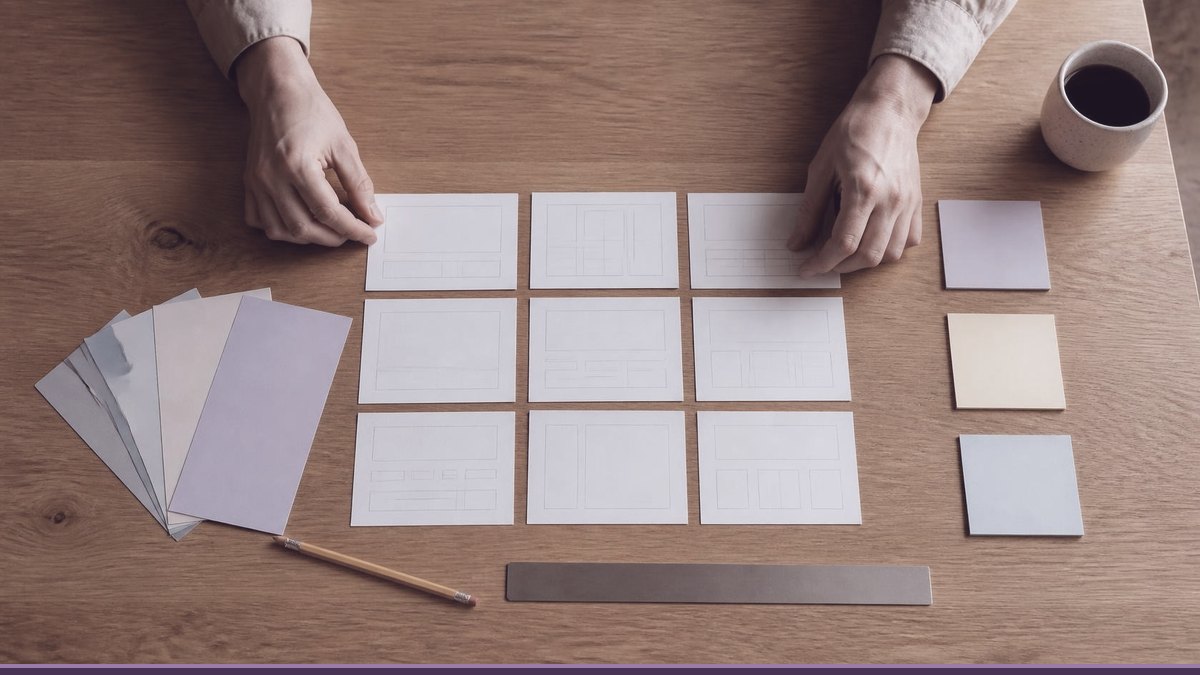
Most of it happens before anything is designed. I want to know who your customers are, what they search for, what worries them when they land on your site, and what you want them to do next. That becomes a page plan, and the plan decides the design.
Then the parts nobody sees: clean headings and HTML, schema for your business, a redirect map if there's an old site, forms tested end to end, images sized properly and contrast checked. Then a handover so you can change your own text and photos, and a clear answer to "who do I call when something breaks?"
You also get someone accountable. When a generated site goes wrong, you get a help centre article. When a site I built goes wrong, you get me.
A professional can use AI too
I'd be lying if I said AI has no place in my work. It's useful for the slow, mechanical jobs: summarising a long brief, first-draft alt text that I then correct, checking code, turning a crawl export into a draft redirect list.
What I don't do is let it make the decisions or publish anything unchecked. Structure, design, final copy and anything that makes a claim about your business get decided and checked by a person. You get some of the speed of AI with someone responsible for the result. On my web design and development page I put it bluntly: I won't ship a raw AI-builder export.
If you're going to DIY anyway
Then do these six things first:
- Rewrite the generated copy with your real details and delete any claim you can't back up.
- Write your privacy policy for what you actually collect, or get help with it.
- Check text contrast, add alt text to images and give every form field a visible label.
- Test the contact form from your phone and confirm the email arrives.
- If you're replacing an old site, list its URLs and set up redirects before launch.
- Keep your text and images in your own files, so a future move is easier.
Talk to me before you decide
If you're weighing up an AI builder against hiring someone, I'll tell you honestly which makes sense. Sometimes the answer really is "use the builder for now". You can see what I offer on the services page, including design and development, SEO and ongoing maintenance. Or send me a message with what your business does and what the site needs to achieve.
FAQ
Can AI build a website for me for free?
You can often start for free. Wix, for example, lets you generate a site at no cost but needs a paid plan to connect your own domain or take payments. For a business, budget for a plan, a domain and your own time.
Are AI website builders good for SEO?
The platforms give you the basic tools, such as editable titles, sitemaps and, on some, structured data and redirects. What they don't do is the strategy: deciding which pages you need, writing content that answers real questions and protecting existing rankings when you replace a site. That's where most DIY sites fall behind.
Will AI replace web designers?
It's taking over some routine production work, and I use it for that myself. The judgement about what a business needs from its site, and the accountability when something breaks, still sit with a person.
Can I start with an AI builder and hire a designer later?
Yes, and for a new business it's a reasonable path. Keep your content in your own files, note your page URLs, and expect that leaving a hosted builder usually means a rebuild. A good designer will plan redirects so you keep the traffic you've built.